Install the HeyGen plugin on ChatGPT
→Opens the HeyGen listing in the ChatGPT plugin directory.
Step 1: Open ChatGPT
Head to chat.openai.com and log into your account.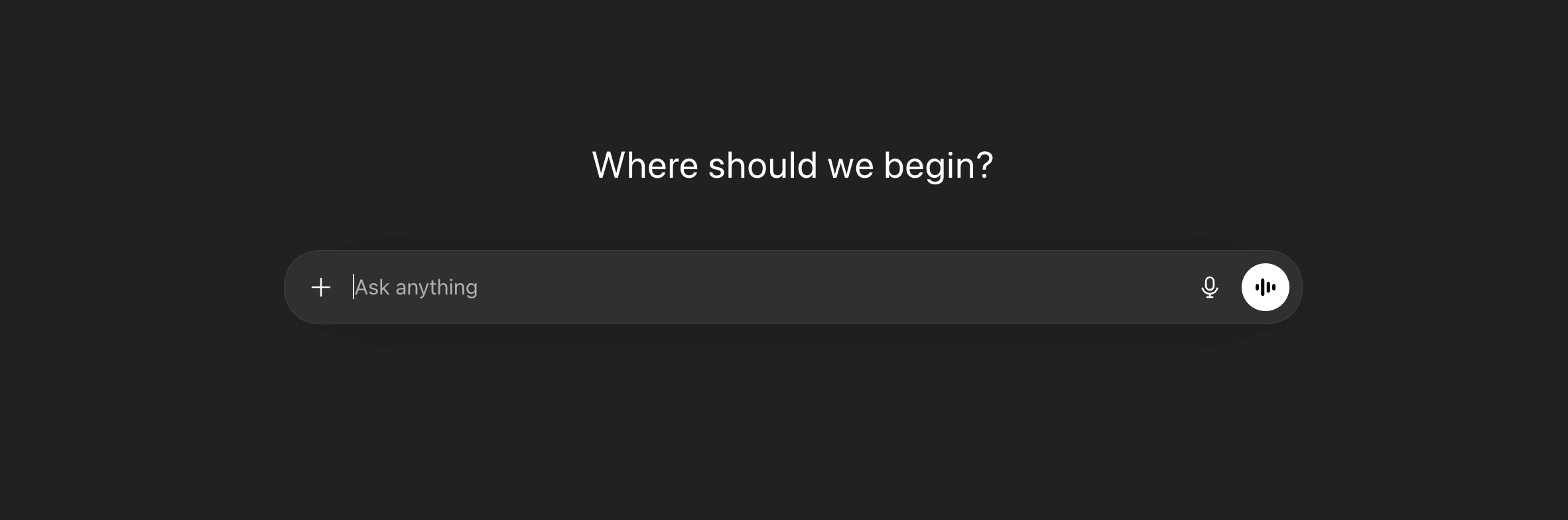
Step 2: Find the HeyGen Plugin
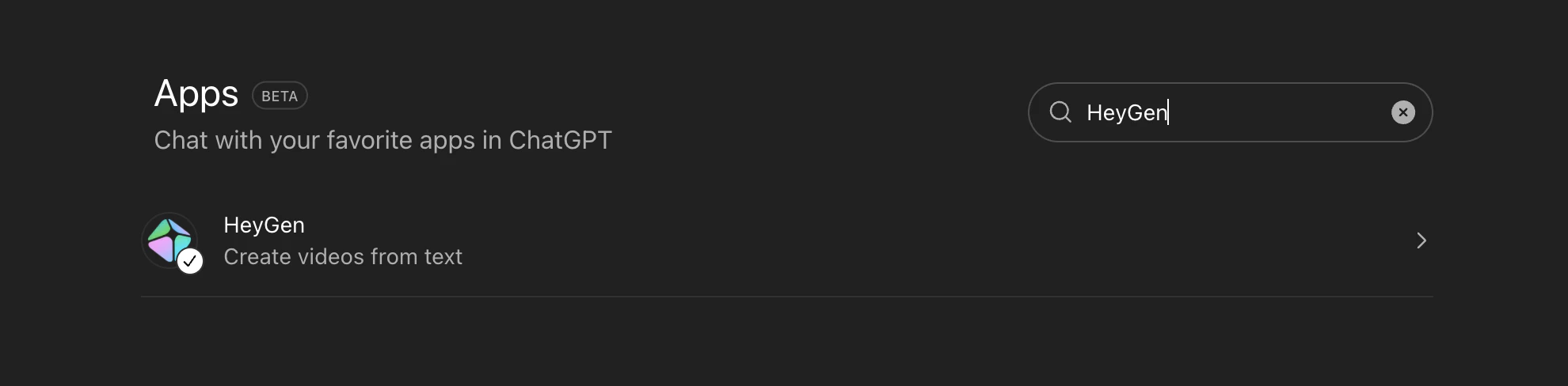
Look for the Plugins section in the left sidebar, or browse the directory directly. Search for HeyGen. It should come up as an official integration.\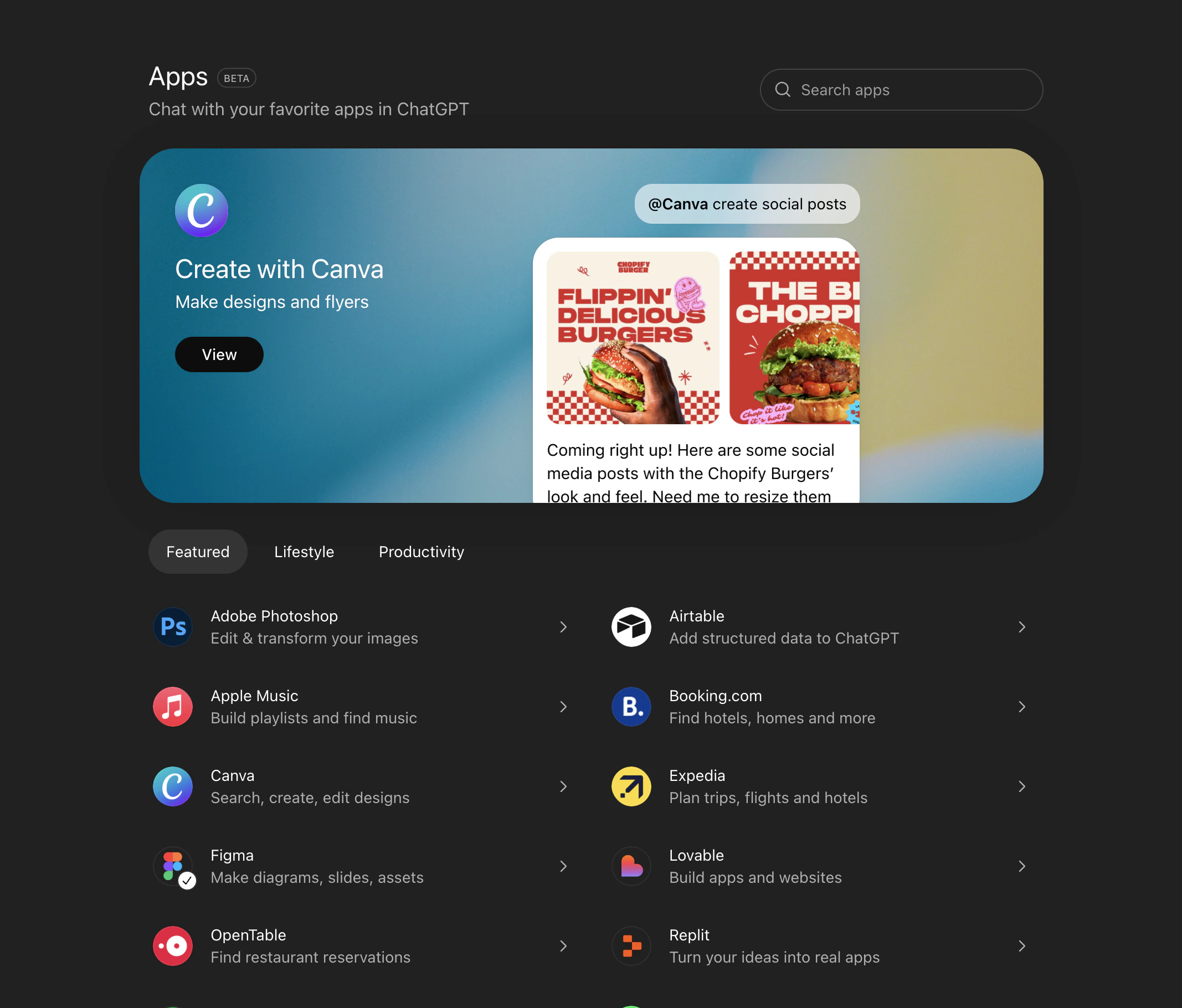
Step 3: Connect and Authorize
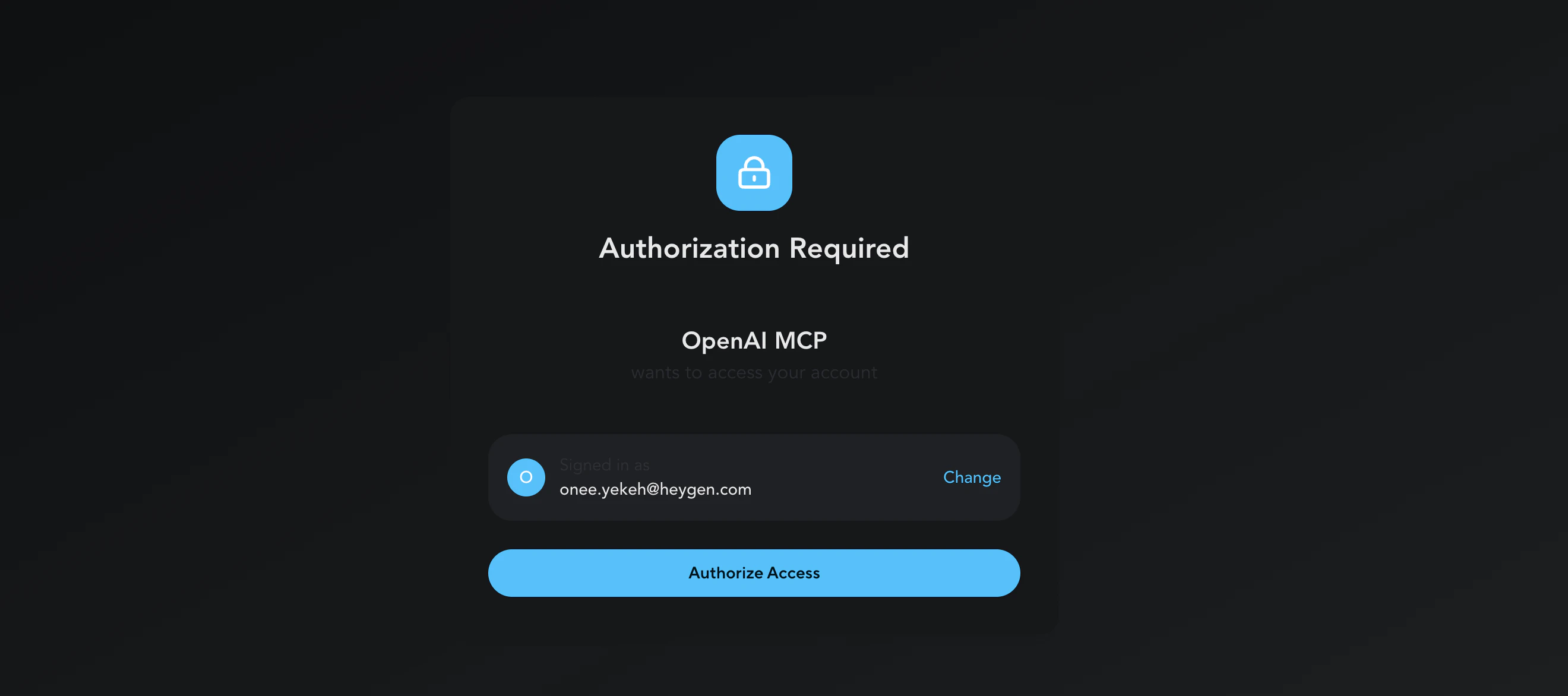
Click on the HeyGen plugin, then hit Connect HeyGen. ChatGPT will ask you to authorize a connection between your OpenAI account and HeyGen. This is a standard OAuth flow — you’re giving ChatGPT permission to talk to HeyGen’s API on your behalf. If you don’t already have a HeyGen account, you’ll be prompted to create one during this step. HeyGen does offer a free tier with basic access, though generation limits are tight. If you’re planning to use it regularly, HeyGen paid plans unlock longer videos, more avatar options, and higher resolution output.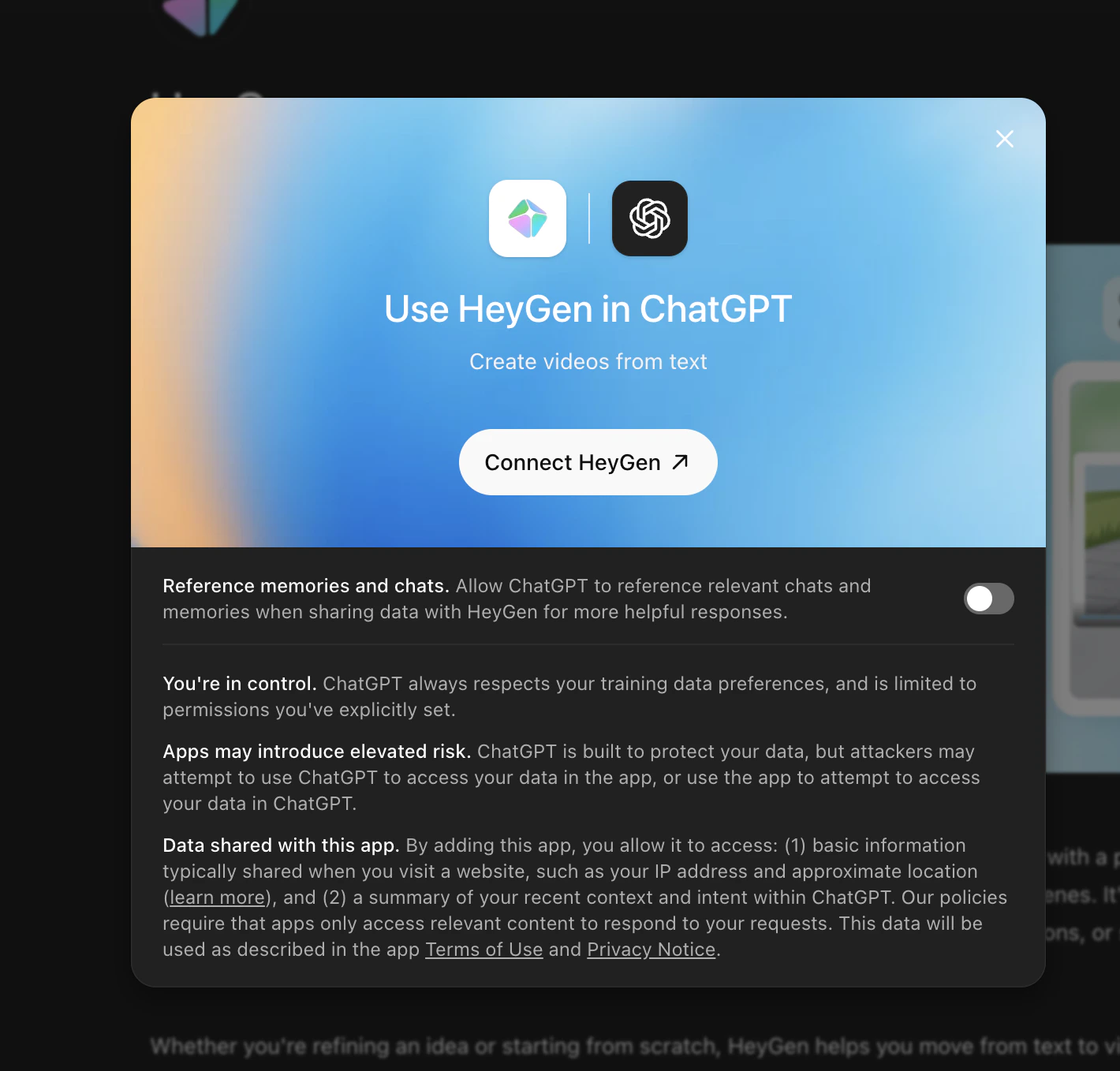
Step 4: Generate Your Video
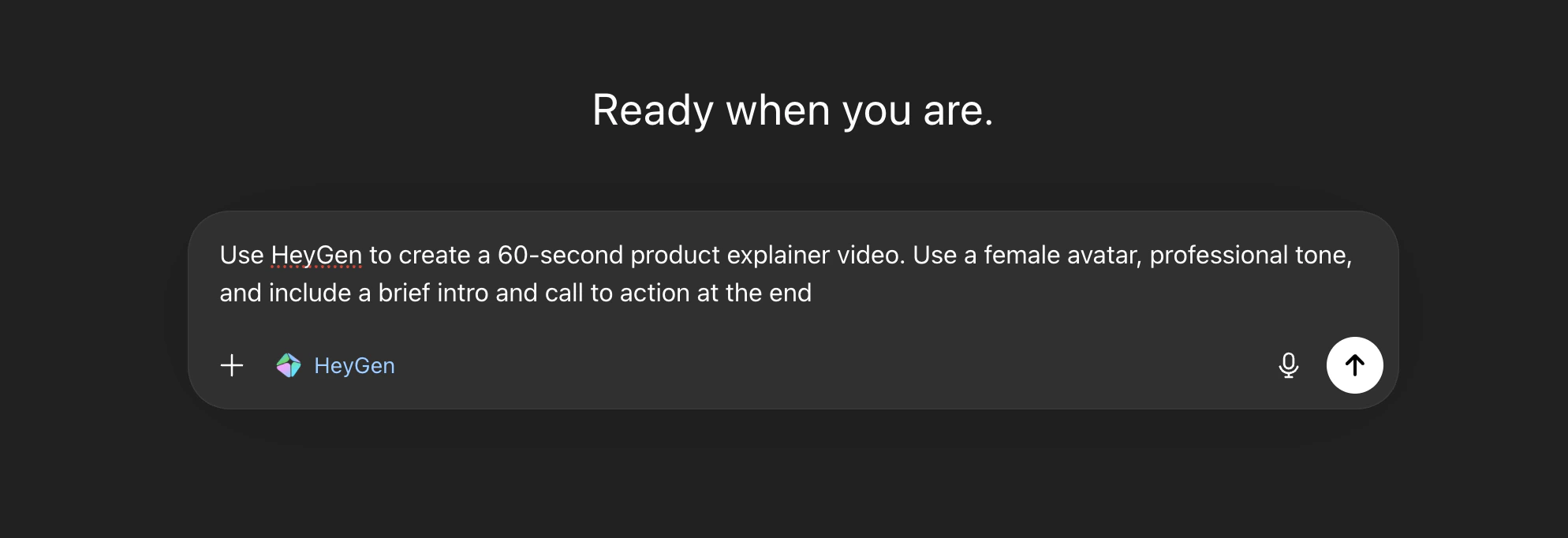
Once the plugin is connected, you just ask ChatGPT to make a video. Be specific about what you want — the more detail you give, the better the result. For example, you might say something like:“Use HeyGen to create a 60-second product explainer video. Use a female avatar, professional tone, and include a brief intro and call to action at the end.”