Documentation Index
Fetch the complete documentation index at: https://developers.heygen.com/llms.txt
Use this file to discover all available pages before exploring further.
Prerequisites
- A Manus account with access to Manus Computer (Agents)
- A HeyGen account with Video Agent access
Connecting HeyGen
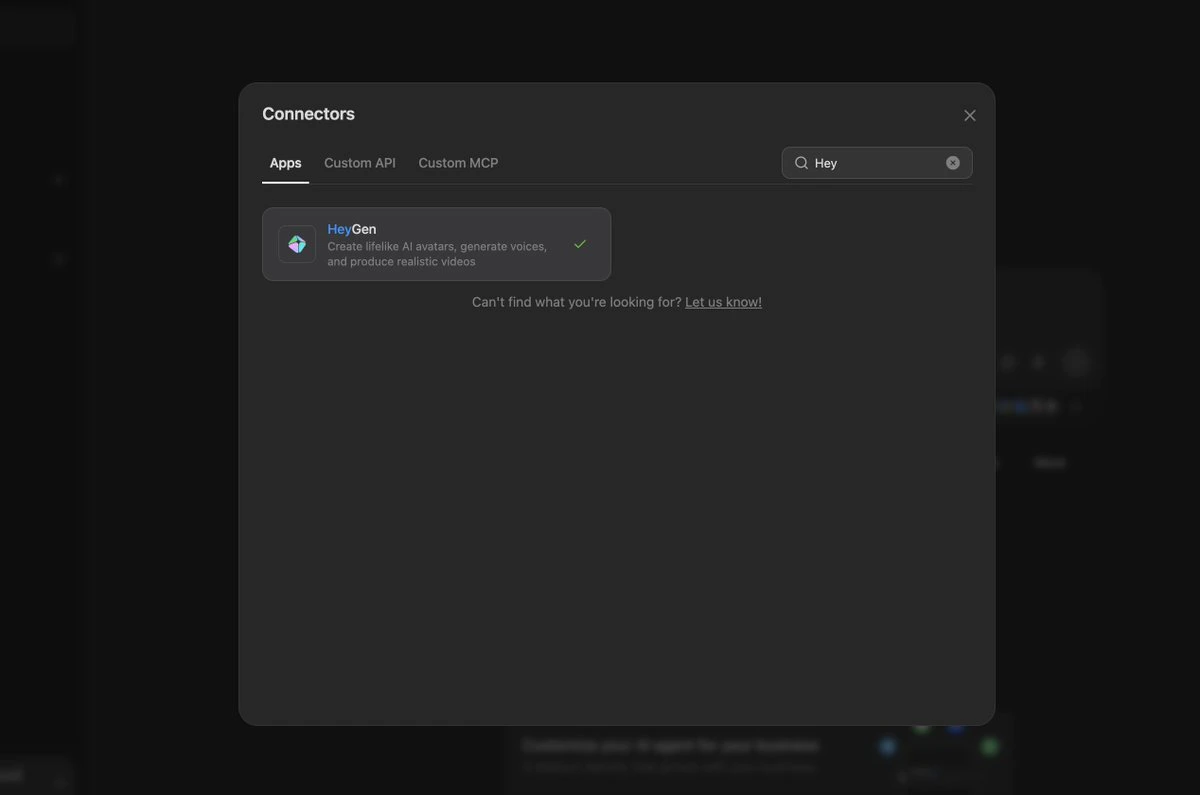
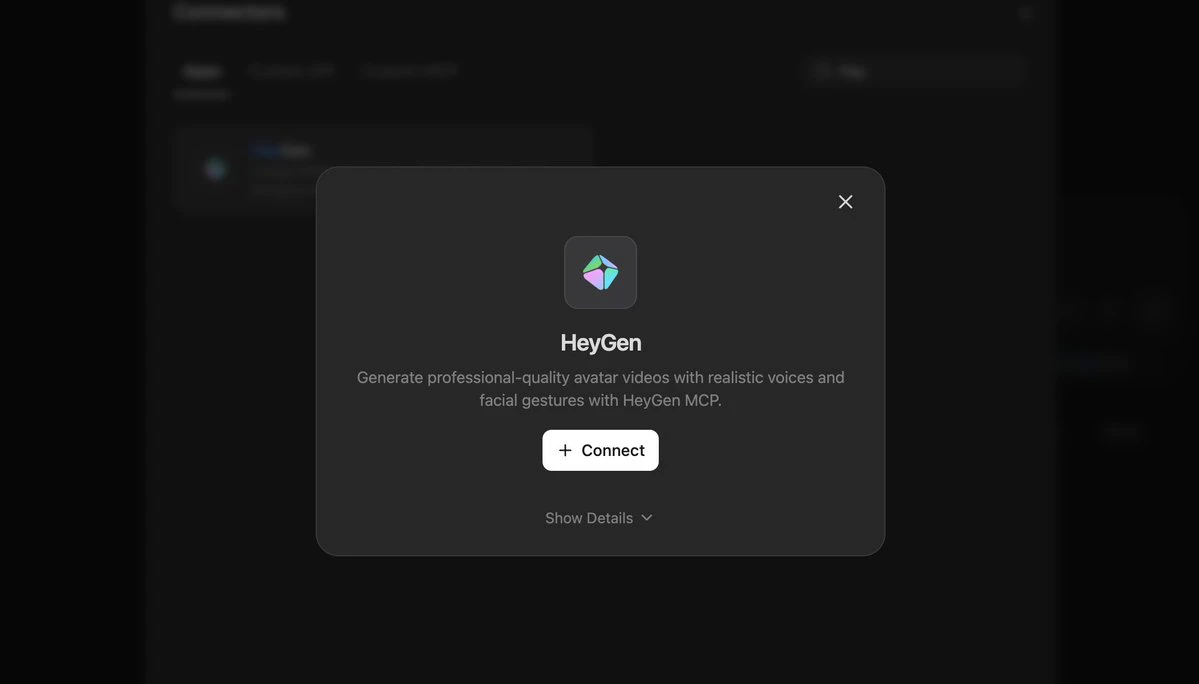
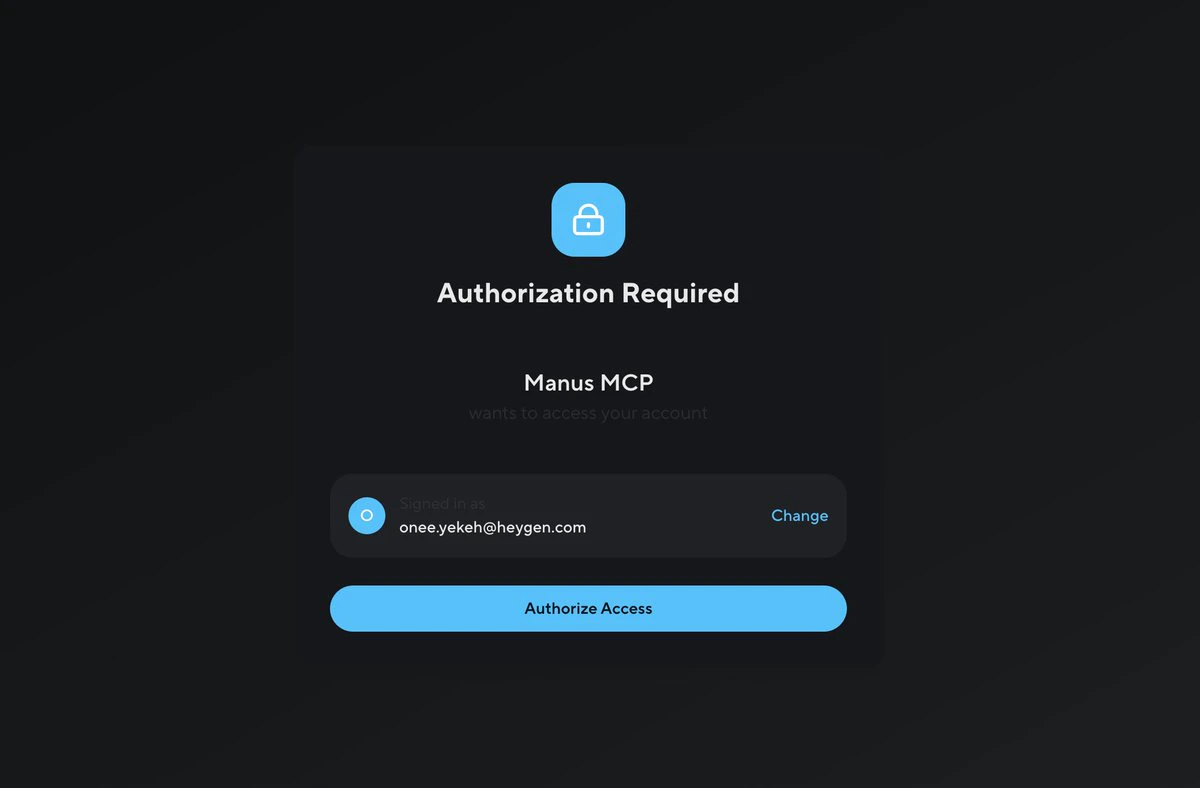
In Manus, go to Connect Your Tools, search for HeyGen, and click Connect. You will be prompted to authorize access to your HeyGen account.
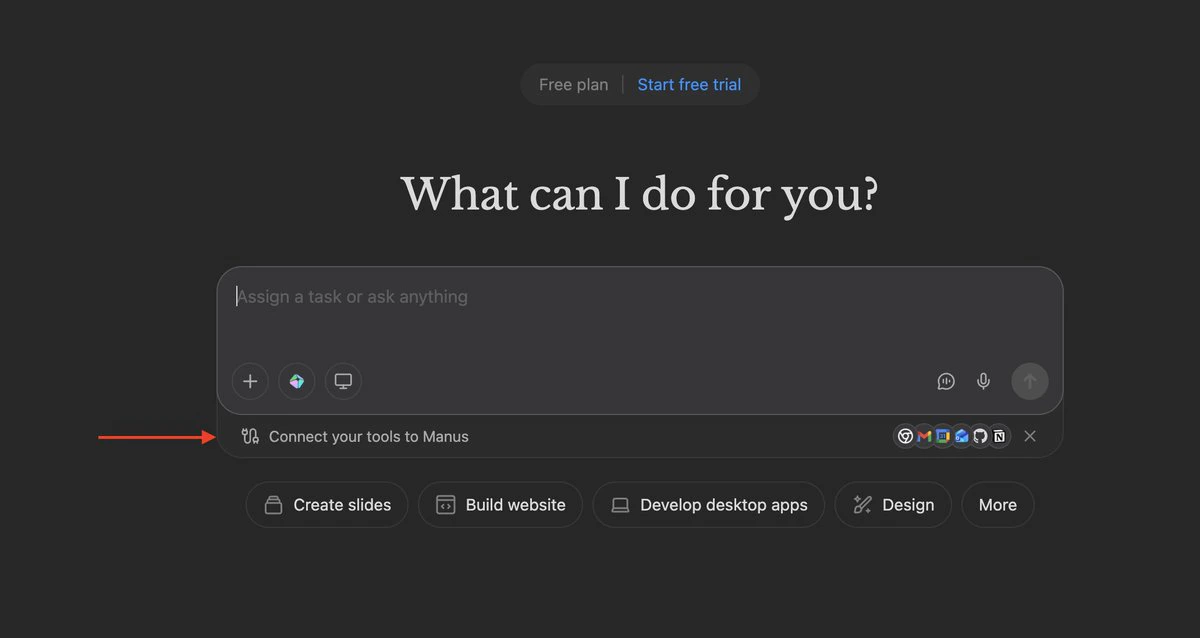
Once authorized, HeyGen tools become available to any Manus agent.
Using HeyGen in Manus Computer
Open Manus Computer under the Agents section and select the HeyGen tools for your agent.
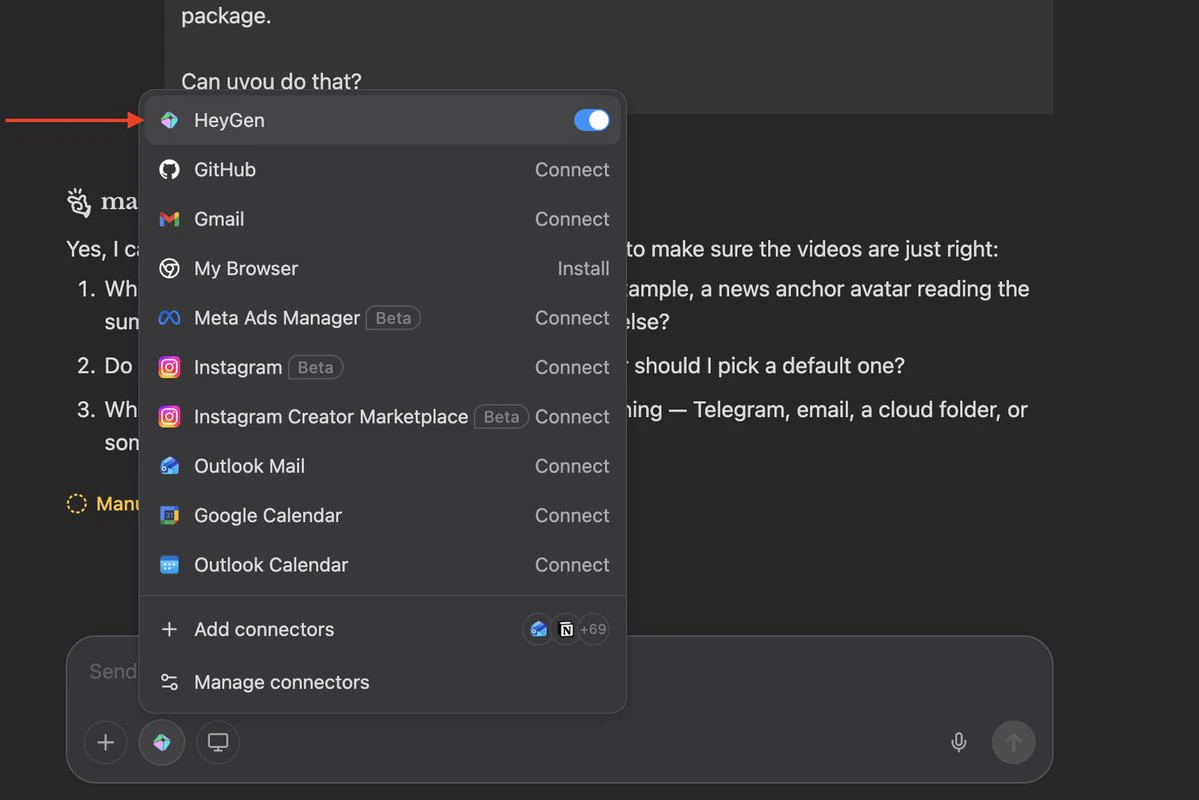
https://manus.im/app/agents
From here, you write a natural-language prompt describing what you want the agent to produce. Manus handles orchestration — it will call HeyGen’s Video Agent to script, render, and deliver the output.
Example prompt:
Every morning at 7 AM Pacific, automatically produce three short (~60-second)
AI-generated videos summarizing the top viral tech stories, then deliver them
in a neat package. Use HeyGen Video Agent.
Improving Output with HeyGen Skills
For higher-quality video prompts, you can instruct the Manus agent to reference HeyGen’s open-source prompt engineering guidelines before generating anything. Add the following to your agent instructions:
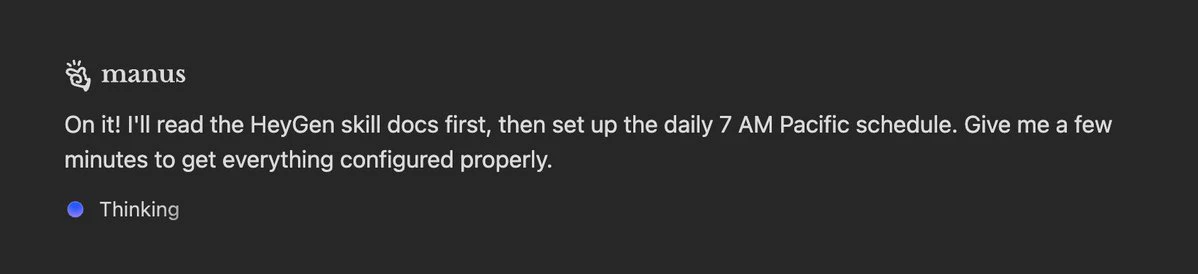
Before writing any prompts, read the HeyGen skills at:
https://github.com/heygen-com/skills
Specifically read SKILL.md, references/prompt-optimizer.md, and
references/video-agent.md. Follow those guidelines to structure
each video prompt — scene types, visual style, timing, copy rules,
media selection, and the optimization checklist.
Each prompt must be:
- Thesis-driven (one argument per video, not a listicle)
- Scene-by-scene with VO, visuals, and timestamps
- ~150 words of voiceover total (~60 seconds)
- Under 10,000 characters
- Any real quotes, numbers, or company names marked CRITICAL
for on-screen text