> ## Documentation Index
> Fetch the complete documentation index at: https://heygen-1fa696a7.mintlify.site/llms.txt
> Use this file to discover all available pages before exploring further.
# Manus
> Manus agents can generate fully scripted AI avatar videos through the HeyGen MCP connection. Supports automated schedules and unattended video production runs.
## Prerequisites
* A [Manus](https://manus.im/app) account with access to Manus Computer (Agents)
* A HeyGen account with Video Agent access
## Connecting HeyGen
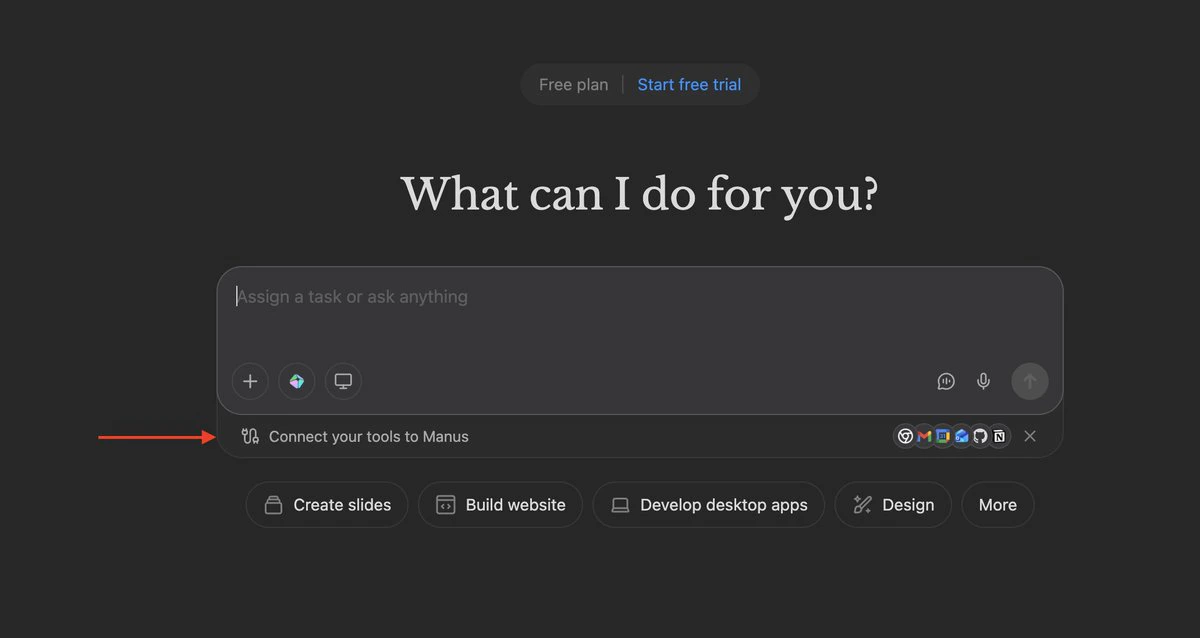
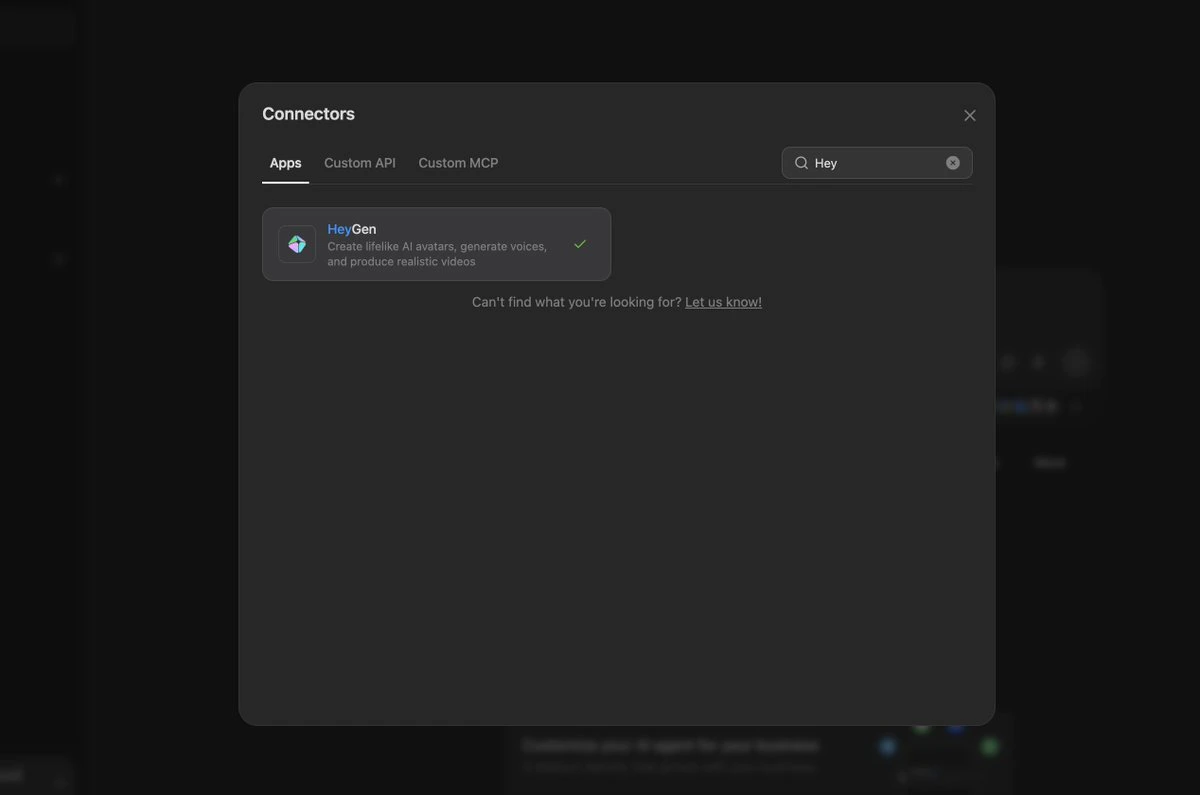
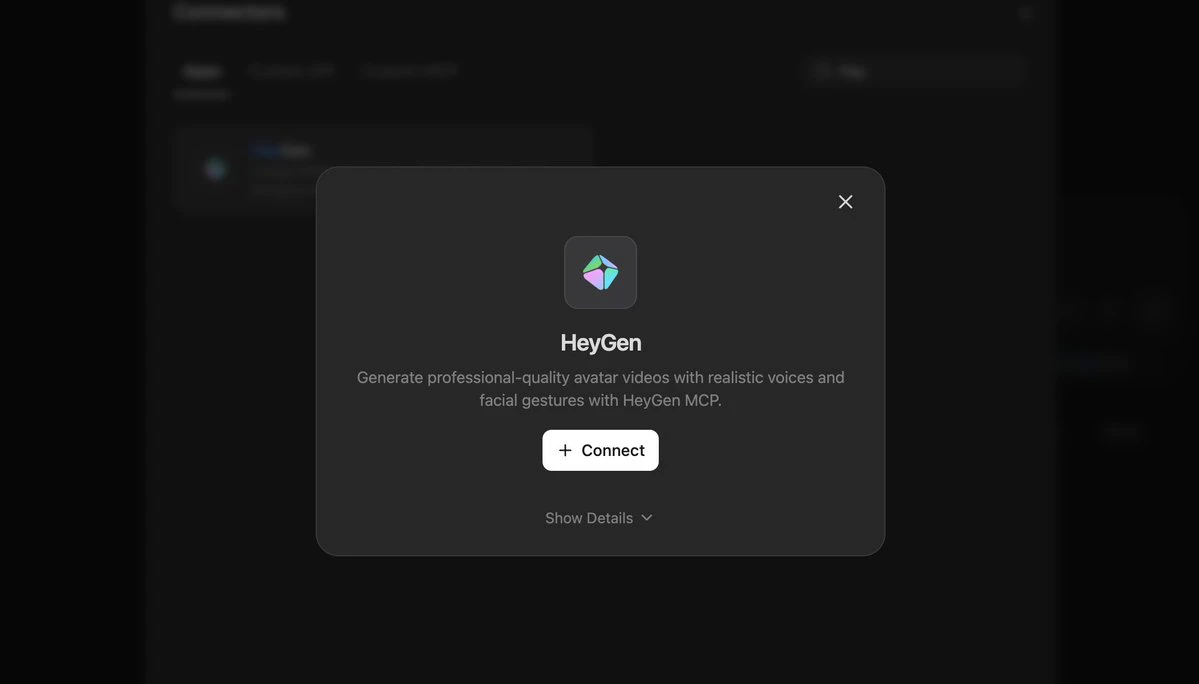
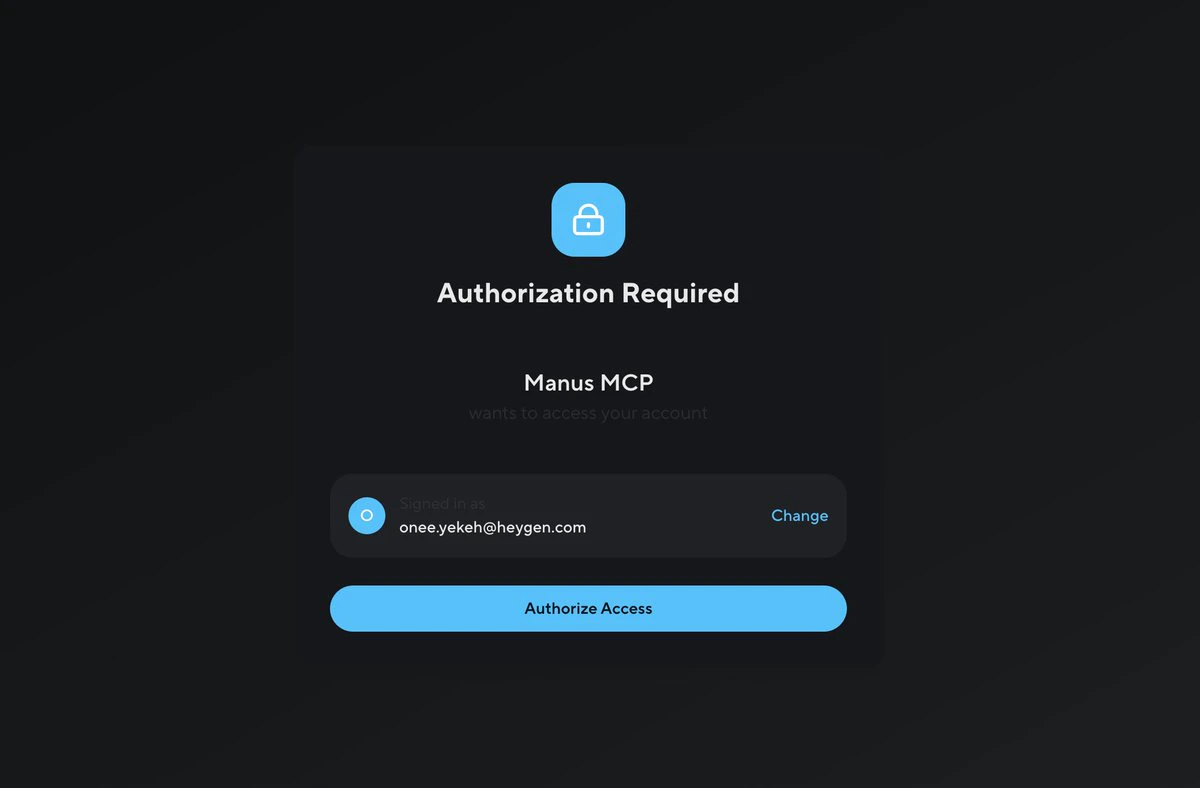
In Manus, go to **Connect Your Tools**, search for `HeyGen`, and click **Connect**. You will be prompted to authorize access to your HeyGen account.
```text theme={null}
https://manus.im/app
```
Once authorized, HeyGen tools become available to any Manus agent.
 ## Using HeyGen in Manus Computer
Open **Manus Computer** under the Agents section and select the HeyGen tools for your agent.
```text theme={null}
https://manus.im/app/agents
```
## Using HeyGen in Manus Computer
Open **Manus Computer** under the Agents section and select the HeyGen tools for your agent.
```text theme={null}
https://manus.im/app/agents
```
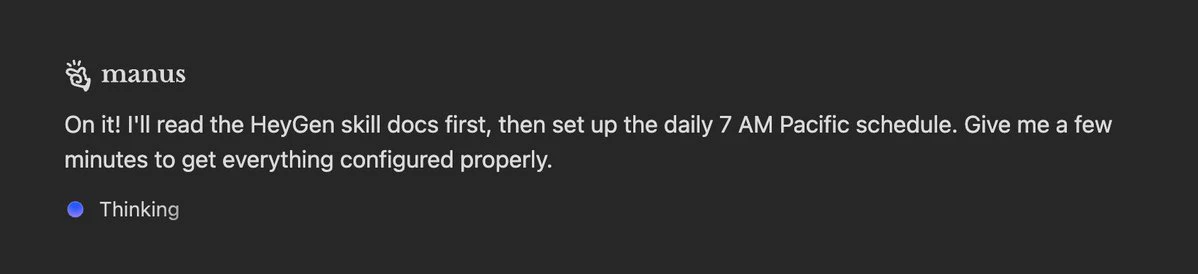
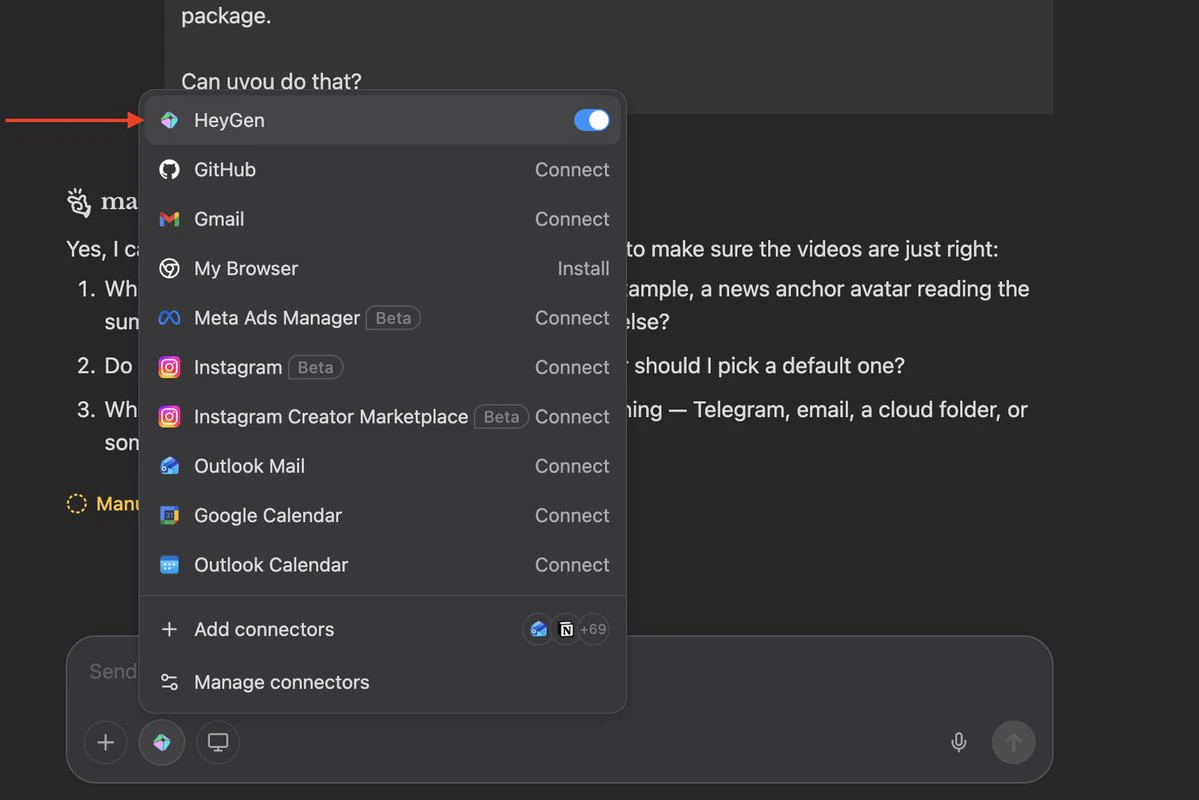 From here, you write a natural-language prompt describing what you want the agent to produce. Manus handles orchestration — it will call HeyGen's Video Agent to script, render, and deliver the output.
**Example prompt:**
```text theme={null}
Every morning at 7 AM Pacific, automatically produce three short (~60-second)
AI-generated videos summarizing the top viral tech stories, then deliver them
in a neat package. Use HeyGen Video Agent.
```
## Improving Output with HeyGen Skills
For higher-quality video prompts, you can instruct the Manus agent to reference HeyGen's open-source prompt engineering guidelines before generating anything. Add the following to your agent instructions:
```text theme={null}
Before writing any prompts, read the HeyGen skills at:
https://github.com/heygen-com/skills
Specifically read SKILL.md, references/prompt-optimizer.md, and
references/video-agent.md. Follow those guidelines to structure
each video prompt — scene types, visual style, timing, copy rules,
media selection, and the optimization checklist.
Each prompt must be:
- Thesis-driven (one argument per video, not a listicle)
- Scene-by-scene with VO, visuals, and timestamps
- ~150 words of voiceover total (~60 seconds)
- Under 10,000 characters
- Any real quotes, numbers, or company names marked CRITICAL
for on-screen text
```
From here, you write a natural-language prompt describing what you want the agent to produce. Manus handles orchestration — it will call HeyGen's Video Agent to script, render, and deliver the output.
**Example prompt:**
```text theme={null}
Every morning at 7 AM Pacific, automatically produce three short (~60-second)
AI-generated videos summarizing the top viral tech stories, then deliver them
in a neat package. Use HeyGen Video Agent.
```
## Improving Output with HeyGen Skills
For higher-quality video prompts, you can instruct the Manus agent to reference HeyGen's open-source prompt engineering guidelines before generating anything. Add the following to your agent instructions:
```text theme={null}
Before writing any prompts, read the HeyGen skills at:
https://github.com/heygen-com/skills
Specifically read SKILL.md, references/prompt-optimizer.md, and
references/video-agent.md. Follow those guidelines to structure
each video prompt — scene types, visual style, timing, copy rules,
media selection, and the optimization checklist.
Each prompt must be:
- Thesis-driven (one argument per video, not a listicle)
- Scene-by-scene with VO, visuals, and timestamps
- ~150 words of voiceover total (~60 seconds)
- Under 10,000 characters
- Any real quotes, numbers, or company names marked CRITICAL
for on-screen text
```